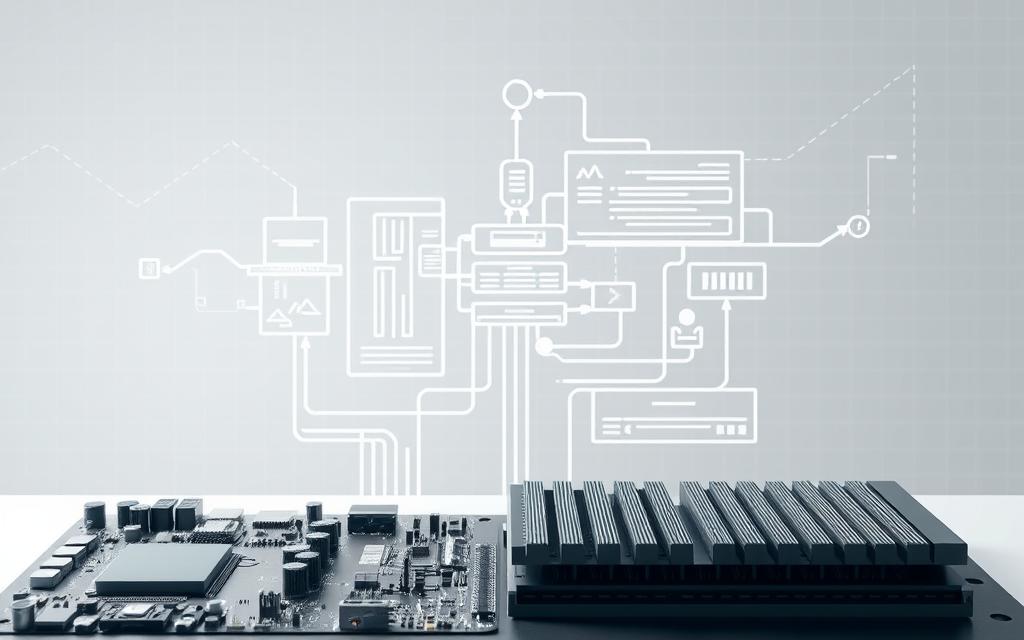

A computer system definition is about parts working together for certain goals. These parts are the basics of today’s tech.
Knowing how these parts work is key to understanding digital spaces. Good organisation leads to better efficiency and reliability in many areas.
The way a system is set up shows what it can do and what it can’t. This info is vital for those making new tech.
Learning the system structure basics helps a lot in solving problems and coming up with new ideas. It’s the start to being skilled in our digital world.
Defining a System in Computer Science
In computer science, a system is a group of parts working together. These system components share defined relationships. This makes them more than just individual parts.
Core Characteristics of Computer Systems
Computer systems have key features that set them apart. They have hardware, software, and data. These are organised to handle information well.
Important computer system properties are:
- Input-processing-output functionality
- Clearly defined boundaries and interfaces
- Purpose-driven design principles
- Emergent behaviour through component interactions
These traits help systems manage resources and tasks. They also create stable environments for programmes to run.
Distinguishing Systems from Programmes and Applications
The system vs programme difference is in scope and function. Programmes do specific tasks. Systems, on the other hand, are the framework for many programmes to work together.
Systems handle resources like memory and storage. Applications use these resources through system interfaces. This setup makes sure everything runs smoothly and resources are used well.
Systems are more complex than programmes because of how their parts work together. This design allows for better performance and growth in computing.
What is System in Computer Science: Fundamental Concepts
Computer systems work in a structured way to be predictable and reliable. These basic ideas help create a blueprint for how systems handle information. They make sure everything works smoothly and as expected.
Input-Process-Output Model
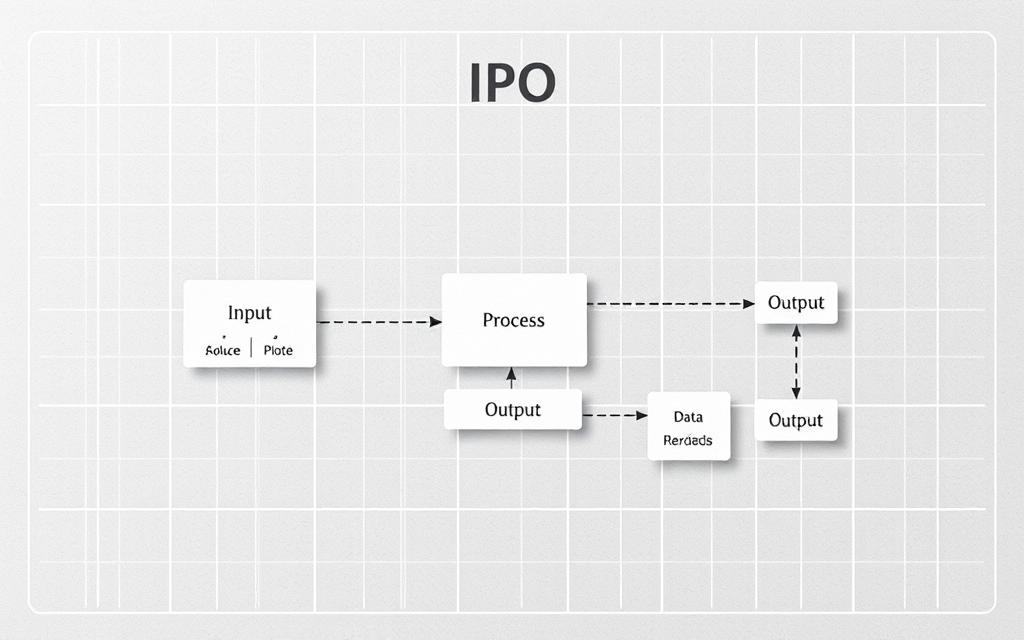
The IPO model is the core cycle of computing. It shows how systems turn inputs into useful outputs through processing.
Inputs come from users, sensors, or other systems. Then, processing changes this data based on rules and algorithms. The output stage sends the changed information to users or other systems.
This model is used everywhere in computing, from simple calculators to big systems. Its simplicity helps us understand and design systems well.
System Boundaries and Interfaces
Every computer system has limits that keep its internal workings separate from the outside world. These limits help keep the system safe while allowing it to work with other systems.
Defining System Boundaries
Boundary definition sets what a system can do and what it can’t. It keeps the system’s work clear and prevents outside interference.
Good boundaries look at both what the system can do and its physical limits. This helps the system work well and stay consistent.
Clear boundaries let teams work on different parts of a system without messing up the whole thing. This makes the system easier to grow and keep up over time.
Interface Specifications and Protocols
System interfaces are how systems talk to each other and to the outside world. They need clear rules to make sure data is exchanged correctly and consistently.
Standard communication protocols tell systems how to talk to each other. They cover things like how data is sent and what to do if there’s an error.
“Instruction set architecture (ISA) defines the machine code that a processor reads and acts upon as well as the word size, memory address modes, processor registers, and data type”
Good protocols make sure systems can work together smoothly. They create a common language that all systems can understand and use.
Today’s systems often use layered interfaces. This means higher-level protocols build on basic ones. It makes things simpler while keeping connections strong.
Types of Systems in Computing
Computing systems come in many forms, each designed for different tasks. They show how design choices affect performance in specific areas. Knowing these differences helps us understand how systems work well and reliably.
Operating Systems Architecture
Operating systems are the core software that manages hardware and helps apps run. The OS architecture shows how parts work together. Modern OSes have advanced kernel designs for better performance and security.
System calls are key for apps to talk to the kernel. They help keep things secure while giving apps access to hardware. Memory management uses complex algorithms for handling memory.
Process scheduling decides when and how things get done. Today’s OSes are designed to be easy to update. This makes them more reliable and easier to maintain.
Database Management Systems Structure
Database systems manage lots of data with special designs. The DBMS structure includes parts for storing, querying, and handling transactions. They use smart algorithms for fast data access and manipulation.
Storage uses indexes for quicker data access. Buffer management helps use memory better. Query engines make database requests efficient.
Transaction management keeps data consistent. Recovery keeps the database safe during failures. Concurrency control manages access to prevent conflicts.
Network Systems Organisation
Network systems connect computers for communication. The protocol stack is a layered system for communication standards. Each layer offers specific services while hiding the details of the next layer.
Routing finds the best paths for data. These systems adapt to network changes. Security keeps data safe with encryption and authentication.
Network management watches performance and finds issues. Quality of service ensures important data gets through first. Network systems balance speed and reliability in different settings.
Embedded Systems Design
Embedded systems add computing to products or equipment. The embedded design focuses on reliability and predictability. They work well with limited resources and strict needs.
Real-time systems meet deadlines with priority. Hardware and software work together for better performance. Power management helps them last longer.
Fault tolerance keeps systems running despite failures. Safety-critical systems check outputs before action. Embedded systems need careful design to meet their unique needs.
| System Type | Primary Function | Key Architectural Features | Typical Applications |
|---|---|---|---|
| Operating Systems | Resource Management | Kernel design, system calls, process scheduling | Computers, servers, mobile devices |
| Database Management Systems | Data Organisation | Storage structures, query optimisation, transaction processing | Enterprise systems, e-commerce platforms |
| Network Systems | Communication Facilitation | Protocol stacks, routing algorithms, security mechanisms | Internet infrastructure, corporate networks |
| Embedded Systems | Specialised Control | Real-time processing, hardware integration, power management | Automotive systems, medical devices, IoT products |
Each system type shows how design choices affect performance. They all share basic computing principles but meet different needs. This variety helps technology meet specific needs in various fields.
System Architecture and Design Principles
Building effective systems needs proven architectural patterns. These patterns help developers create strong, easy-to-maintain solutions. They lay the groundwork for systems that meet needs now and grow in the future.
Modular Design Approach
The modular design breaks down complex systems into smaller, self-contained units called modules. Each module does one thing and talks to others through clear interfaces. This makes it easier for developers to work on parts without messing up the whole system.
Operating systems often use this method. They create modular kernels where each part does a different job. This makes development easier and keeps the system stable.
Benefits of Modularisation
Modularisation brings many benefits to system development:
- Independent development: Teams can work on different modules at the same time
- Easier testing: You can test each component separately
- Component reuse: Good modules can be used in other projects
- Simplified maintenance: Updates only affect specific modules
This approach cuts down development time and boosts system quality.
Layered Architecture Patterns
Layered architecture organises systems into levels, with each level serving the one above it. This makes it clear where different system functions are.
Operating systems often use this pattern. They divide functions into layers that build on each other. The lower layers deal with hardware, and the upper layers offer services to users.

This structure keeps system operations in order. It also makes development and troubleshooting easier.
Client-Server Models
The client-server model is a distributed architecture where servers offer resources and clients ask for services. This setup makes sharing resources efficient and management centralised.
In this model, servers handle data and processing, while clients deal with user interaction. This improves scalability and how resources are used.
Three-Tier Architecture
Three-tier architecture is a refinement of the client-server model. It divides concerns into three layers:
| Layer | Function | Components |
|---|---|---|
| Presentation Tier | User interface and interaction | Web browsers, mobile apps |
| Application Tier | Business logic and processing | Application servers, middleware |
| Data Tier | Data storage and management | Database servers, storage systems |
This setup lets each tier grow independently. It also boosts security by keeping sensitive data away from user interfaces.
Today’s web apps use three-tier systems for complex tasks. This design keeps performance and reliability high. It makes development easier and allows for special optimisation in each layer.
System Components and Their Structural Relationships
Knowing how different parts work together is key to understanding computer systems. This section looks at the four main types of components and how they connect.
Hardware Components Organisation
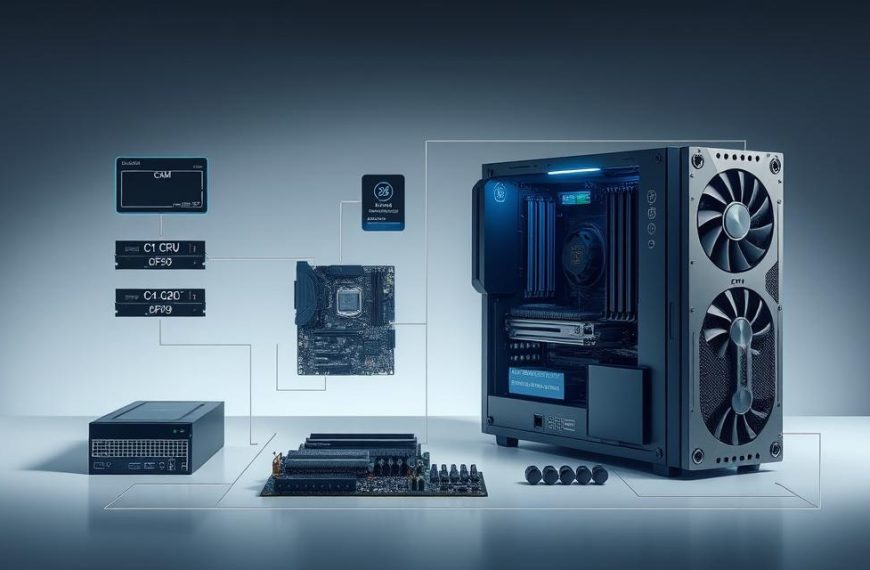
Physical parts are the real foundation of any computer system. The hardware organisation shows how processors, memory, storage, and peripherals link up. They do this through buses and interfaces.
Today’s systems use complex designs where many processing units work together. The main processor manages tasks, while others handle graphics and networking.
Device drivers help operating systems talk to physical devices. They translate software commands into instructions that hardware can understand. This makes sure everything works smoothly together.
Software Components Structure
The software structure includes all programmes and systems that make hardware work. This includes operating systems, apps, libraries, and middleware.
Operating systems manage resources through kernels. These provide essential services. Apps use these services through interfaces, creating a layered software organisation.
Modern systems use modular designs. Components talk to each other through APIs. This lets developers work independently while keeping the system compatible.
Data Components Architecture
Data architecture is about how information is organised, stored, and accessed. This includes database systems, file organisations, and memory allocation.
Good data architectures keep information safe and make it easy to access. Systems use different storage levels, from fast cache memory to large secondary storage.
Database systems use complex schemas to link data elements. These structures help with efficient queries and transaction management across various apps.
Human-System Interaction Design
HCI design aims to make interfaces between users and computers easy to use. It combines ergonomics, psychology, and technology to improve user experience.
Good interaction design focuses on input methods, output displays, and feedback. The goal is to make communication smooth and reduce cognitive load while boosting productivity.
Modern HCI design uses adaptive interfaces that change based on user behaviour and context. These systems learn from interactions to personalise experiences and simplify complex tasks.
Understanding these component relationships is key to designing effective systems. Each part must work well together through clear interfaces and interaction patterns. For more on component integration, check out our guide on computer organisation and architecture.
System Properties and Structural Qualities
Computer systems have key qualities that make them effective and last long. These qualities come from careful design, not by chance.
Good systems balance many needs to work well. An expert says, “Computer architecture aims to balance performance, efficiency, cost, and reliability.” This balance helps systems meet today’s and tomorrow’s needs.
Reliability and Availability Mechanisms
System reliability is vital for good computing. Modern systems use many ways to keep working even when parts fail.
Key features include:
- Redundant parts that take over when needed
- Designs that keep working with hardware problems
- Systems that quickly fix issues and get back to normal
These features help systems be reliable for important tasks. The design choices affect how reliable systems are for businesses.
Scalability and Performance Optimisation
Systems must handle more work without getting slower. Performance optimisation starts with design choices for growth.
Common strategies are:
- Spreading work across many units
- Smart use of resources
- Designs that let systems grow by adding more parts
These methods keep systems fast, even when they’re busy. Good optimisation helps systems meet their promises, even when it’s busy.
Security Architecture and Integrity Measures
Keeping systems safe needs strong security architecture. This includes many layers of protection built into the system.
Important security steps are:
- Rules for who can access what
- Systems that keep data safe
- Boundaries that keep important parts safe
System calls help keep the OS safe and stable. These design choices protect data from new threats.
Maintainability and Extensibility Features
Systems must grow to meet new needs without big changes. Features for easy updates and changes are key.
Good design for growth includes:
- Clear ways to change parts without big effects
- Systems that let different versions work together
- Features that keep old systems working with new ones
These features make updates cheaper and safer. Good design lets systems keep up with new tech and needs.
| System Quality | Architectural Mechanism | Implementation Example | Impact on Operation |
|---|---|---|---|
| Reliability | Redundant components | Duplicate servers with failover | Minimises downtime during failures |
| Performance | Load balancing | Distributed processing nodes | Maintains speed under heavy loads |
| Security | Access control | Role-based permissions | Prevents unauthorised access |
| Maintainability | Modular interfaces | Standardised API contracts | Simplifies updates and extensions |
Each quality adds value to a system. The best systems balance these qualities for their specific needs and limits.
Conclusion
Understanding system architecture is key to knowing how computing systems work and grow. This summary shows that how components are organised affects performance, reliability, and flexibility. Designing systems from operating systems to network setups is vital.
A closer look at computing systems shows that using modules and layers helps keep things running smoothly and securely. The way hardware, software, and people interact is what makes systems work well. This highlights the importance of good design for systems to grow and stay strong.
Technology keeps getting better, and knowing about system architecture is more important than ever. Learning about these topics helps experts create systems that are efficient and ready for the future. Understanding the basics of computing systems is essential for their ongoing development.
FAQ
What is a system in computer science?
A system in computer science is a group of parts working together. It helps make computing efficient, reliable, and functional. This is true for all sorts of applications and environments.
How do systems differ from programmes and applications?
Systems are more than just programmes or apps. They manage resources and provide a framework for programmes to run in. Systems show how parts work together to create something new.
What is the Input-Process-Output model?
The Input-Process-Output model is key in computing. It takes in data, changes it, and then sends it out. This model is at the heart of most computing tasks and system designs.
Why are system boundaries and interfaces important?
System boundaries set what a system can do. Interfaces show how parts talk to each other inside and outside the system. Clear boundaries and interfaces help systems grow and work well together.
What are the major types of systems in computing?
There are many types of systems. For example, operating systems like Linux and Windows, and database systems like Oracle and MySQL. There are also network systems and embedded systems, each with its own design.
What is modular design in system architecture?
Modular design splits a system into parts that can be changed easily. This makes systems easier to fix, grow, and update. It also lets developers work on different parts without affecting others.
How do hardware and software components relate in a system?
Hardware parts, like processors and memory, are physical. Software parts, like programmes and libraries, work together through interfaces. Together, they make a system work well.
What architectural qualities define a well-structured system?
A good system is reliable and available. It can grow and perform well, is secure, and easy to maintain. These qualities help a system work smoothly and improve over time.
How does layered architecture benefit computer systems?
Layered architecture organises a system into levels. Each level helps the one above it. This makes systems easier to manage, update, and fix.
What role do interfaces play in system integration?
Interfaces help different parts of a system talk to each other and to the outside world. They make sure systems work together well and can change over time without losing their connection.


 By
By