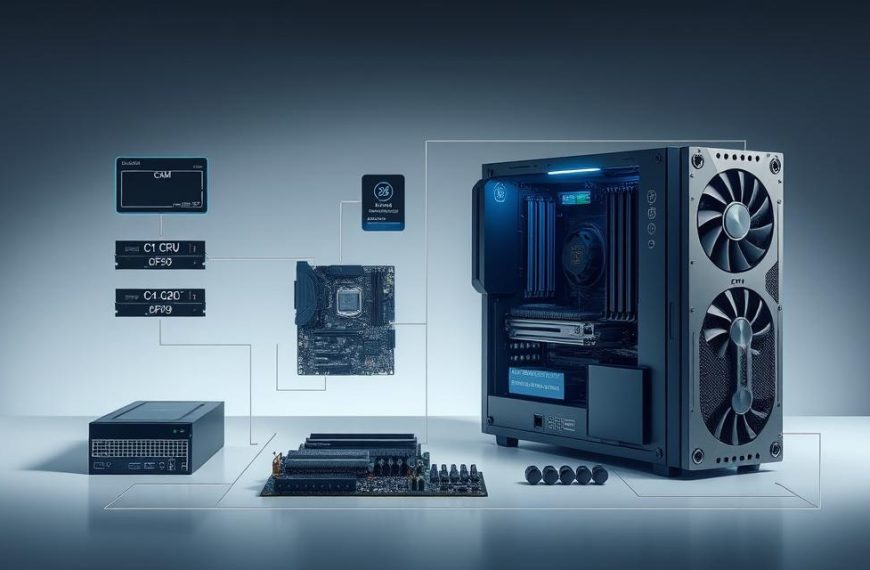

Imagine using a computer without its central organiser. Every programme would compete for attention. Hardware parts would not work together smoothly. This is what an operating system stops.
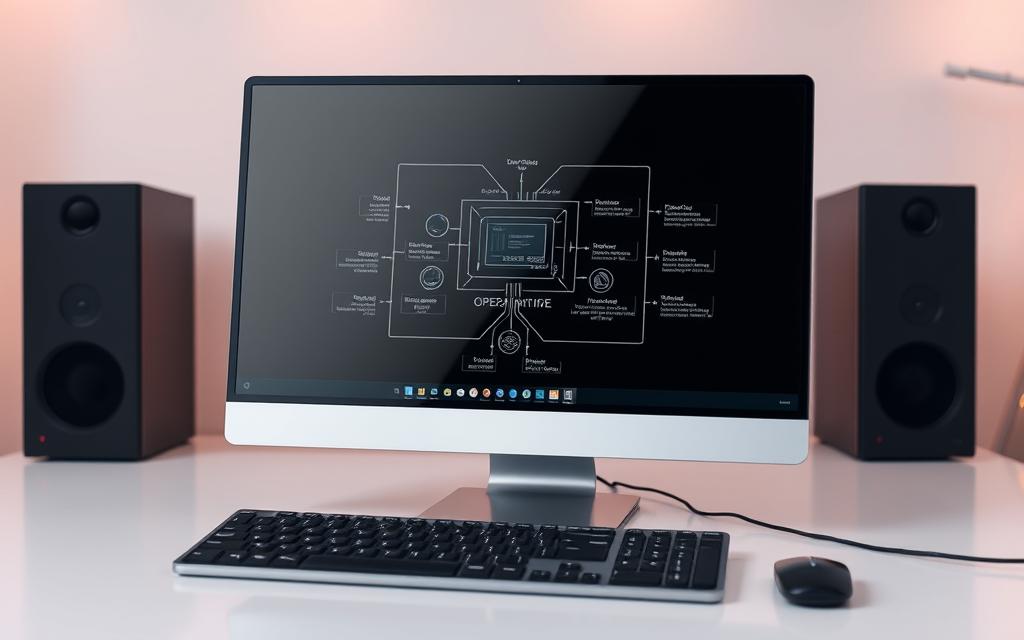
An operating system is key system software. It controls all computer hardware and software. It offers common services for all apps.
Without it, each programme would have to talk to hardware on its own. This would make things very complex and slow. Today’s computers wouldn’t work well without it.
The OS makes hardware useful and easy to use. It turns raw parts into powerful tools. This computer management lets technology be used by everyone.
Why Do Computers Need an Operating System
An operating system is the key link between us and our computers. Without it, our modern way of computing wouldn’t exist. It manages and translates complex hardware for both programmers and regular users.
Defining the Operating System and Its Purpose
Experts say an operating system is “the layer of software that manages a computer’s resources for its users and their applications”. This shows its main OS purpose – to use resources well and offer services apps can count on.
Think of the OS as the orchestra conductor. Each hardware part is like an instrument. The OS makes sure they all play well together. It handles things like memory, input, files, and security.
This role makes the OS vital for today’s computing. Without it, programs would have to talk directly to hardware, causing big problems.
Historical Evolution: From Bare Metal to Essential Software
The history of operating systems is a story of growth. Early computers were programmed directly, without operating systems. “The first computers… were directly programmed… without programming languages or operating systems” as records show.
Programming was hard and only a few could do it. They had to manage tasks and memory by hand, making computing slow and prone to mistakes.
The move to modern operating systems started with simple monitor programs. These early systems did basic tasks, leading to more advanced system software development.
Important steps in OS development include:
- Batch processing systems that automated job sequencing
- Time-sharing systems allowing multiple users simultaneous access
- Multiprogramming systems that increased CPU utilisation
- Personal computer OSes that brought computing to the masses
This journey shows why operating systems became key, not just optional. For more on how OSs work today, check out this guide to understanding operating systems.
The shift from focusing on hardware to OS-managed computing is a major tech leap. It has made computers available to billions, keeping the promise of computing as a tool for progress alive.
Resource Allocation and Management
At the heart of every operating system lies its sophisticated resource management capabilities. These systems act as intelligent coordinators. They ensure that all running programmes receive the computing resources they need. This is done without interfering with each other’s operations.
CPU Scheduling for Multitasking
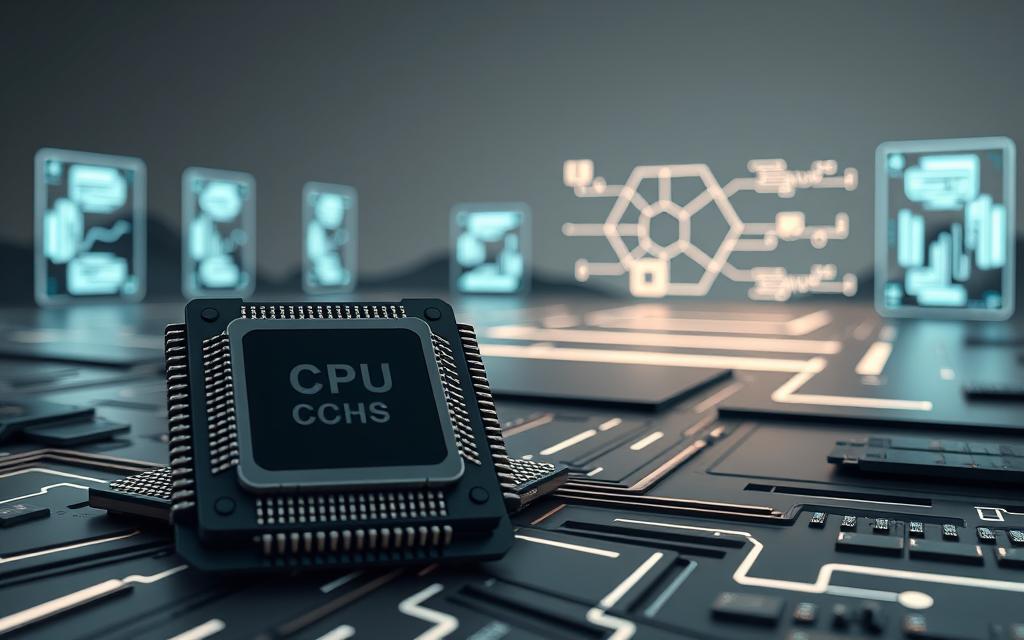
Modern computers make it seem like they’re running many programmes at once. This is thanks to clever CPU scheduling techniques. The operating system uses advanced algorithms to decide which process gets the processor and for how long.
There are several scheduling methods:
- Round-Robin: Each process gets a fixed time slice
- Priority Scheduling: Important tasks receive preferential treatment
- First-Come-First-Served: Processes are handled in arrival order
This quick switching between processes—often thousands of times per second—allows for smooth multitasking even on single-core processors. The operating system keeps track of process states and context information. This lets it seamlessly resume tasks where they left off.
Memory Management: RAM and Virtual Memory
Effective memory management is another key function of operating systems. The OS carefully allocates physical RAM to various applications. It also prevents programmes from accessing memory spaces assigned to others.
Key aspects of memory management include:
- Dynamic RAM allocation based on programme requirements
- Memory protection to prevent unauthorised access
- Efficient tracking of used and available memory spaces
When physical memory is limited, the operating system uses virtual memory techniques. This clever approach uses disk storage to extend available memory. It swaps less frequently used data to the hard drive while keeping active data in RAM.
Operating systems allocate resources between different applications. They decide when they will receive central processing unit (CPU) time or space in memory.
This memory hierarchy management ensures that even large applications can run on systems with limited physical RAM. The operating system handles all these complex operations transparently. This gives users and programmes the impression of abundant memory resources.
Hardware Abstraction and Device Management
The operating system plays a key role in making software and hardware work together smoothly. This is called hardware abstraction. It lets programmes talk to devices without knowing their technical details.
The OS acts as a middleman for things like input and output and memory. This makes it easier for developers and makes systems more compatible.
Device Drivers: Bridging Software and Hardware
Device drivers are special translators in the OS’s device management system. They turn general requests from apps into specific commands for hardware.
This makes it easier for developers. They don’t have to write code for every device. Instead, they use standard interfaces, and manufacturers provide the right drivers.
Good device drivers are key for a system to run well. Bad ones can cause problems or even crashes.
Examples: Printers, Disks, and Input Devices
Printers use peripheral management through print spooling. The OS manages print jobs, sending them to the printer when it’s ready. This lets users keep working.
Disk drives use standard commands for reading and writing. Apps just ask for files, and the OS finds them.
Input devices like keyboards and mice work the same way. They give standard input through the OS’s device management layer. This makes them work with any system, as long as there’s the right driver.
This way of hardware abstraction makes adding new devices easy. It’s a key part of modern OS design.
User Interface Provision
The most visible part of any operating system is its interface. It makes complex system operations easy to use. This helps users interact with machines in a simple way.
Graphical User Interfaces: Windows and macOS
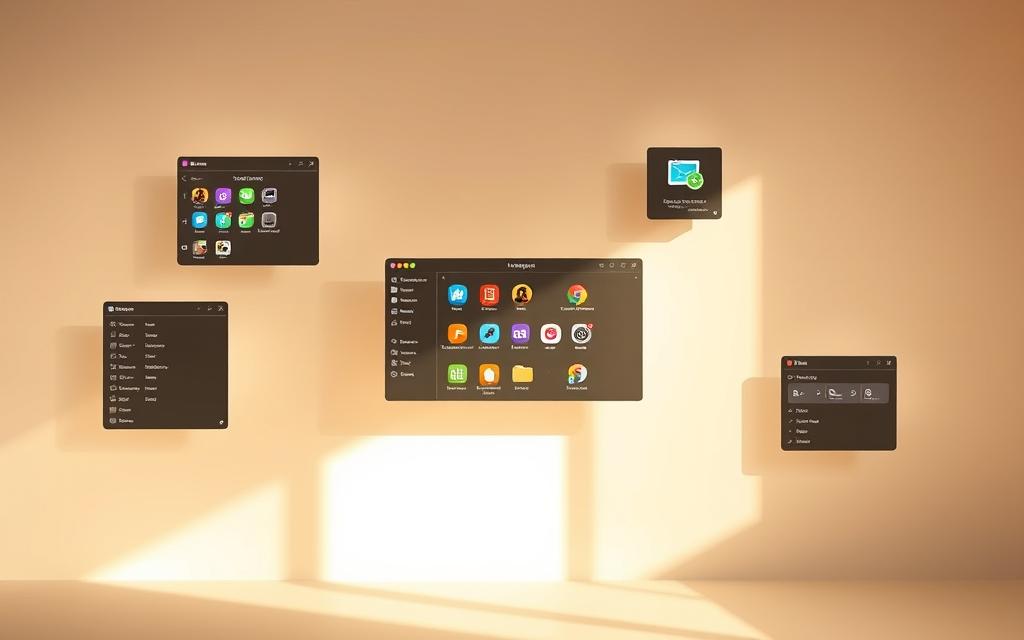
Graphical user interfaces have made computing popular. Systems like Microsoft Windows and Apple macOS have changed how we use computers.
These interfaces use icons, windows, and menus. You navigate them with a mouse. This makes using computers easy for everyone.
The GUI has greatly improved how we interact with computers. It lets us use digital objects in a way that feels natural. This makes learning to use computers easier.
Command-Line Interfaces: Power and Flexibility
Command-line interfaces are different. They use text to interact with the operating system. You type commands to communicate with the system.
Advanced users and system administrators like CLI. It’s precise and efficient. You can do complex tasks with simple text commands.
CLI systems need more technical knowledge. But they offer great control over the system. They’re key for tasks where GUIs are not enough.
Operating systems meet different user needs by supporting both interfaces. This way, casual users can easily use them. At the same time, technical professionals have powerful tools.
File System Organisation
Managing data is key for any operating system. It makes sure data is easy to find, safe, and well-organised. Without good file system management, computers can’t handle our daily digital needs.
File Permissions and Security Measures
Operating systems use file permissions to control who can access data. These rules decide who can see, change, or run files and folders. Most systems base permissions on user roles and who owns the data.
Today, data security includes read, write, and execute permissions for three groups: the file owner, groups, and everyone else. This setup stops unwanted access while allowing teamwork. More security features include encryption and logs to track who accesses files.
Common File Systems: NTFS, APFS, and ext4
Each operating system has its own file system. The New Technology File System (NTFS) is for Windows, with strong security and support for big files. It has detailed file permissions management.
The Apple File System (APFS) is for macOS, with top-notch encryption and crash protection. It’s made for solid-state drives and keeps data safe. The fourth extended file system (ext4) is for Linux, balancing speed with reliability.
| File System | Primary OS | Maximum File Size | Key Features |
|---|---|---|---|
| NTFS | Windows | 16 EB | Access control lists, journaling, encryption |
| APFS | macOS | 8 EB | Space sharing, cloning, strong encryption |
| ext4 | Linux | 16 TB | Journaling, extents, backward compatibility |
Each file system has its own strengths for its platform. The right file system is key for how well an operating system manages storage and keeps data safe.
Security and System Protection
In our digital world, operating systems are our first defence against threats. They have strong security systems to keep our data safe from harm. This includes protecting our systems and personal information from unwanted access.
User Authentication and Access Controls
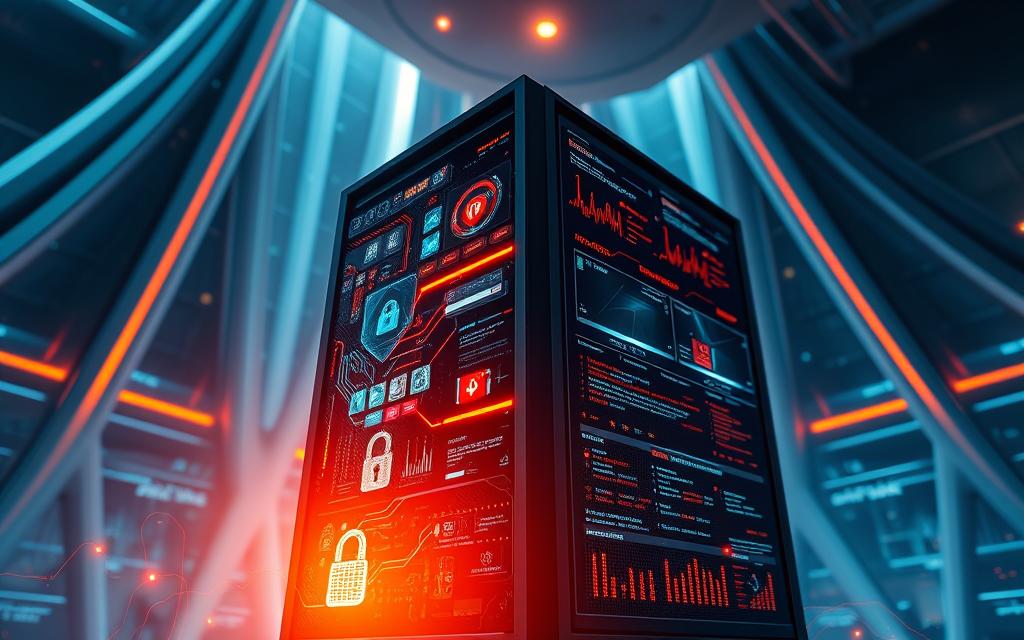
Today’s operating systems use advanced user authentication to check who you are. They go beyond just passwords, using things like fingerprints or facial scans. This makes our systems much safer.
After checking who you are, the OS sets up strict access control rules. These rules decide what you can see and do on the system. This way, only the right people can access certain things.
Network Security and Firewalls
Operating systems have built-in network security tools to watch over all data traffic. The firewall acts like a guard, checking each piece of data and stopping any that seem suspicious.
These tools work all the time, keeping us safe from threats. They are key to keeping our computers safe in today’s risky digital world.
Software Execution and Coordination
Operating systems do more than manage hardware. They act as the main controllers for software. They set up the basics for programmes to run smoothly and handle many apps at once.
APIs and Libraries for Programme Support
Application Programming Interfaces (APIs) are key for software and operating systems to talk. They let developers ask for system resources without knowing the hardware details.
Today’s operating systems have big libraries of code. These libraries handle tasks like file work, network use, and graphics. Developers use these to speed up their work and make sure systems work well together.
The Windows API and POSIX standards show how APIs make programming easier. They hide the differences in hardware, so software can run on many systems with little change.
Multitasking and Process Management
Managing processes is key for multitasking. The operating system makes separate areas for each programme to run in. This stops programmes from getting in each other’s way.
Smart scheduling algorithms decide which programmes get the CPU and for how long. This makes it seem like programmes are running at the same time, even on single-core processors.
Nowadays, systems use advanced scheduling like time-slicing and priority-based scheduling. These methods keep the system fast and use resources well.
| Process State | Description | System Action |
|---|---|---|
| New | Process being created | Memory allocation |
| Ready | Waiting for CPU time | Scheduling queue |
| Running | Executing instructions | CPU allocation |
| Waiting | Awaiting resource | Resource monitoring |
| Terminated | Execution completed | Resource cleanup |
Programmes can share data safely thanks to inter-process communication. The operating system helps with these exchanges, keeping the system stable and allowing teamwork.
Memory protection stops programmes from seeing each other’s data. This is key for keeping the system safe and reliable. It means one programme can’t crash the whole system.
Thanks to smart process management, operating systems make multitasking work well. This work is hidden from users but is essential for today’s computing.
Conclusion
An operating system is the core of every computer. It makes complex interactions between hardware and software work smoothly. This system software summary shows how operating systems turn raw computing power into something useful for users and apps.
The role of an operating system is vital in today’s computing world. It handles tasks like memory management, CPU scheduling, and security. Systems like Windows, macOS, and Linux show how different approaches can achieve the same goal: making hardware easy to use.
Knowing how important an operating system is shows why no device works without it. The OS is the hidden hero of computing. It enables everything from simple tasks to complex multimedia projects. This software is key to making computing reliable and accessible to people everywhere.


 By
By