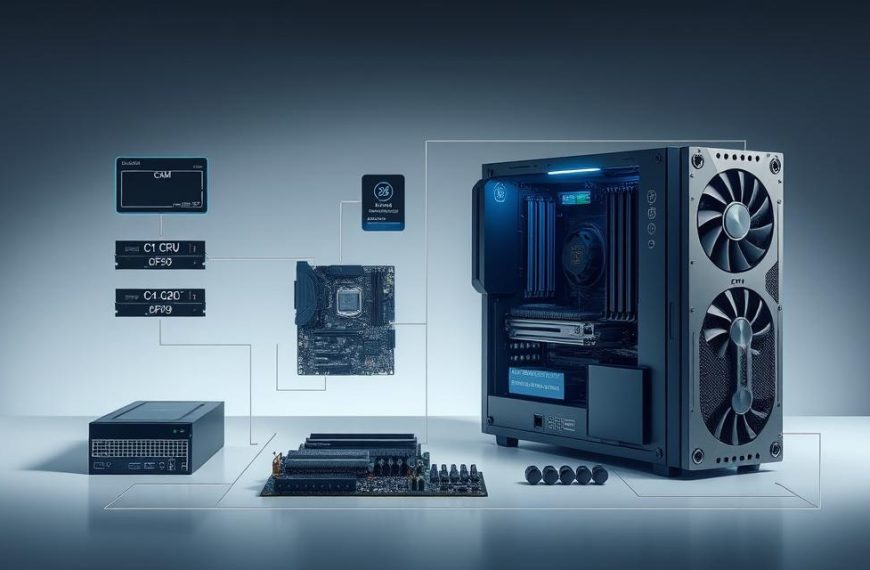

An operating system acts as a bridge between humans and machines. It manages all computer resources. This makes it possible for applications to run smoothly.
Its main job is to make computers easy to use. It hides the technical details of hardware. This lets users focus on their work, not the tech behind it.
The system also makes sure everything runs well together. It handles memory, schedules tasks, and controls devices. These are key to its success.
This software is essential for making computers useful and efficient. Knowing how it works helps us understand how computers do so much.
The Fundamental Role of Computer Operating Systems
Operating systems are key to making computers work well and reliably. They act as a bridge between the computer’s hardware and software, managing resources and services. This makes modern computing possible.
Defining the Operating System
An operating system is the core software that manages a computer’s hardware and software. It’s like the computer’s brain, handling tasks like memory and processor time.
The OS kernel is at the heart of this, dealing with important low-level tasks. It manages things like processor scheduling, memory, and device communication.
- Processor scheduling and task prioritisation
- Memory allocation and virtual memory systems
- Device communication through drivers
- File system management and data storage
- Security protocols and user access controls
Without an operating system, programmers would have to write code for every hardware interaction. This would make software development very complex and slow.
Historical Evolution of Operating Systems
The history of operating systems is fascinating. Early computers didn’t have operating systems. Programmers worked directly with hardware using machine language.
Transistors and mainframe computers changed everything. These powerful machines needed better management systems, leading to early mainframe operating systems.
Two important early systems were:
| Operating System | Developer | Key Innovation | Time Period |
|---|---|---|---|
| Fortran Monitor System (FMS) | IBM | Batch processing automation | Late 1950s |
| IBSYS | IBM | Improved tape storage management | Early 1960s |
| OS/360 | IBM | First complete OS for system family | Mid-1960s |
| MULTICS | MIT/GE/Bell Labs | Time-sharing ideas that influenced UNIX | Late 1960s |
IBM’s OS/360 was a major breakthrough. It introduced the idea of one operating system for a whole family of computers. This idea shaped future development.
Time-sharing systems like MULTICS followed, introducing ideas that influenced UNIX and Linux. Each step improved hardware capabilities and user experience, making operating systems more complex and reliable.
This history shows how operating systems have evolved. From simple batch processors to today’s complex systems, they’ve always been about managing hardware and improving user experience.
What Does the Operating System of a Computer Do: Process Management
Process management is key to making hardware work well. It manages all running programs, using resources wisely and smoothly.
At its heart, it oversees all programs running on a computer. A process is a program running, with its own space and resources. The OS tracks each process from start to finish.
Process Scheduling and Allocation
The OS uses CPU scheduling to decide which process gets the CPU. This is vital for good system performance and fair resource use.
There are many scheduling methods:
- Round Robin – Each process gets equal time
- First-Come, First-Served – Processes are handled in order of arrival
- Shortest Job Next – Prioritises processes with the shortest time needed
These methods work by quickly switching between processes. This makes the system seem to run smoothly.
Multitasking and Multiprocessing
Modern OSs make it seem like everything is happening at once. This lets many apps run at the same time, even on one processor.
It does this by managing how processes run together. This way, they don’t get in each other’s way while sharing resources.
Time-Sharing Techniques
Time-sharing is the core of multitasking. The CPU quickly switches between programs, giving each a small time slot. This makes it seem like everything is running at once.
This needs good interrupt handling and timing. The OS must quickly switch between processes to keep things stable.
Priority-Based Scheduling
Not all processes are equal. Priority-based scheduling lets the OS decide based on importance. Important system tasks get priority over user apps.
This keeps essential tasks running well even when busy. The algorithm changes priorities based on how processes behave and the system’s state.
Process management also includes other key tasks:
- Process Synchronisation – Uses locks and semaphores to prevent problems
- Deadlock Handling – Finds and fixes situations where processes wait forever
- Inter-Process Communication (IPC) – Allows processes to share data
These work together to make a stable, efficient system. This lets many processes run smoothly together. The OS’s process management makes your computer feel fast and efficient.
Memory Management Functions
Operating systems use clever ways to manage memory. They balance fast but limited main memory with slower secondary storage. This ensures programs have enough memory and keeps the system running smoothly.
Virtual Memory Implementation
Virtual memory is a brilliant idea in computing. It lets systems run programs that need more memory than they have. This is done by using disk space as extra RAM.
When memory is full, the system moves unused data to swap space on the disk. It then brings this data back into RAM when needed. This makes it seem like there’s more RAM than there actually is.
This swapping happens without users noticing. But, too much swapping can slow down the system. This is because the computer spends a lot of time moving data between disk and RAM.
Memory Allocation and Protection
When programs start, the operating system gives them memory. When they stop, it takes that memory back for others. Good RAM management makes sure memory is shared fairly and reduces waste.
Memory protection is key for security. It stops programs from accessing each other’s memory. This prevents crashes and keeps the system safe. Modern systems have strong memory protection to stop bad memory access.
Paging and Segmentation
Paging and segmentation are key to virtual memory and memory allocation. Paging divides memory into fixed-size blocks called pages. The operating system uses page tables for address translation between virtual and physical addresses.
Segmentation divides memory into segments based on program structure. Many systems use both paging and segmentation for the best performance. For more on these, check out this guide on memory management techniques.
These strategies help applications have a stable memory environment. They also make the best use of physical resources. The operating system always checks memory use and adjusts as needed for the best performance.
File System Management
Operating systems manage data storage in a way that links physical hardware to what users need. They turn raw disk storage into organised, easy-to-use information. This makes it simple for users to find what they need.
Organising and Accessing Data
Operating systems create logical structures to help users organise data. Instead of dealing with physical parts, users work with directory structures that feel like organisational charts or folders.
These structures help users find and manage information efficiently. The system keeps detailed file attributes like name, type, size, and when it was created or last changed.
Files support many common actions:
- Create new documents and folders
- Read existing file contents
- Write or modify information
- Delete unwanted or obsolete files
How users access files depends on their needs. Sequential access reads data in order, while direct access jumps to specific spots. Indexed access combines these for the best performance.
| Access Method | Best For | Performance Characteristics |
|---|---|---|
| Sequential | Audio/video streaming | Predictable throughput |
| Direct | Database operations | Fast random access |
| Indexed | Large file systems | Balanced performance |
File Permissions and Security
Keeping sensitive information safe is key in file system management. The operating system uses complex permission systems. These control who can access certain files and what they can do with them.
These security features include three main permissions: read, write, and execute. Read lets you view file contents, write lets you change them, and execute lets you run programs or scripts.
Permissions apply to three groups: the file owner, group members, and everyone else. This fine control keeps data safe while allowing the right people to access it.
The system keeps track of security file attributes like permissions and access history. These details help stop unauthorised changes and provide a trail for monitoring security.
Today’s operating systems also offer advanced encryption for extra protection. This keeps data safe even if someone gets their hands on the disk storage device.
Device Management and Drivers
Device management is key but often overlooked. It handles all hardware communication between your computer and peripheral devices. This makes your experience smooth while managing complex tech behind the scenes.
Good I/O management means your printers, storage, and network work well together. The OS uses smart ways to make all hardware seem like one system to apps and users.
Hardware Abstraction Layer
The Hardware Abstraction Layer (HAL) connects hardware and software. It gives a standard interface that hides hardware details from software.
Through HAL, apps talk to devices without knowing their tech details. This lets developers write programs for different hardware. It also makes it easy for new devices to work with old systems.
“The hardware abstraction layer is a big step forward. It lets software keep improving, even when hardware changes.”
This approach makes systems more stable and easier to upgrade. It also means fewer problems with different devices. Users see this as easy setup and fewer compatibility issues.
Device Driver Management
Device drivers translate OS commands into language devices can understand. They’re key for making hardware work with the OS.
There are two main types of driver software:
| Driver Type | Execution Environment | Performance Impact | Stability Risk |
|---|---|---|---|
| Kernel-space Drivers | Operate within OS kernel | High performance | Higher system risk |
| User-space Drivers | Run in user memory space | Moderate performance | Lower system risk |
The OS uses several methods to improve data flow to peripheral devices:
- Buffering: Stores data during transfer between devices
- Caching: Keeps data in faster memory for better performance
- Spooling: Manages output devices like printers by queuing jobs
These methods help manage I/O management even with many devices. The OS prioritises tasks, manages conflicts, and keeps the system responsive.
Modern OSes have advanced driver management. They handle driver installation, updates, and fixes. They automatically find and set up drivers for new hardware, making things easy for users.
Good driver management is also key for system security. OSes check driver authenticity, watch their behaviour, and isolate them. This stops bad drivers from harming the system.
Security and System Protection
Modern operating systems protect against digital threats. They have strong security measures to keep system resources and user data safe. These measures run in the background, making sure only authorised access happens.
User Authentication and Access Control
Operating systems use advanced systems to check who is accessing the system. This might include passwords, PINs, or biometric data like fingerprints. Once verified, the system controls what each user can do.
Access control works by giving different user accounts permission levels. These permissions decide:
- Which files and folders a user can view or modify
- What system settings can be changed
- Which applications can be installed or executed
- How much system memory and processing power can be allocated
This layered security means even if one account is hacked, the damage is limited. Learn more about operating system security here.
Protection Against Malware and Threats
Today’s operating systems have built-in defences against cyber threats. These include viruses, ransomware, and phishing attacks. They detect and stop threats before they can harm the system or steal data.
Modern antivirus integration scans files and network traffic in real-time. The operating system helps by:
- Updating security automatically to fix vulnerabilities
- Using sandboxing to isolate suspicious apps
- Monitoring network traffic with firewalls
- Watching for unusual system activity
These computer security steps create a strong defence system. The operating system always checks for threats and acts to protect users. This way, users can work safely without worrying about cyber attacks.
User Interface and System Interaction
How we talk to our computers is key to any operating system’s success. It’s all about how we interact with our devices. This interaction is through interfaces that turn our actions into commands the computer can understand.
Graphical and Command-Line Interfaces
Today, we have two main ways to talk to our computers. The Graphical User Interface (GUI) uses pictures and menus. It’s easy to use with a mouse or touchscreen.
The Command-Line Interface (CLI) is all about typing commands. It’s not as pretty but is great for those who need control and automation.
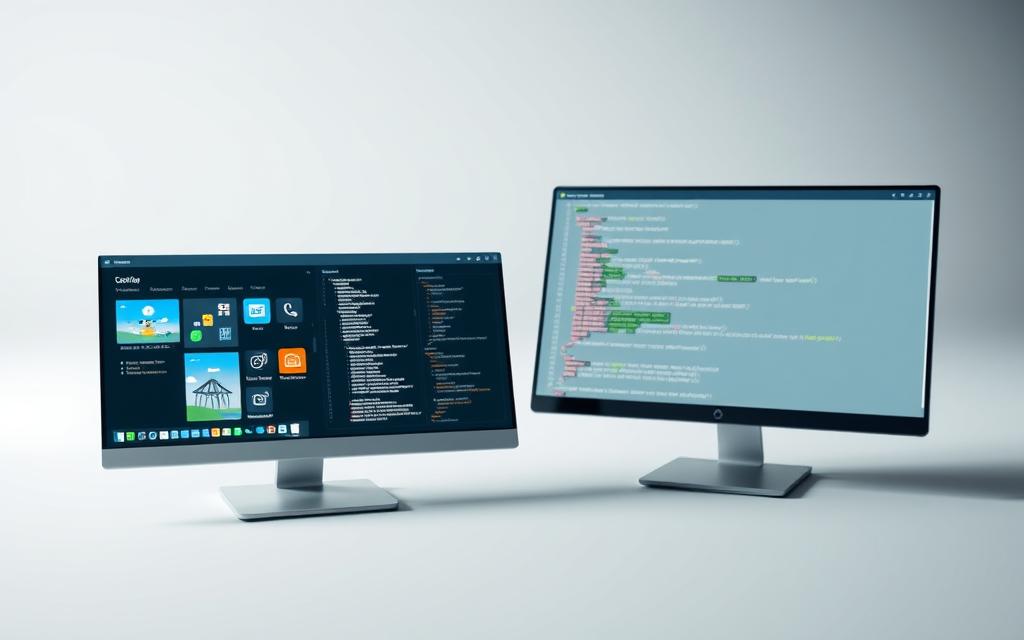
Most systems let you use both interfaces. This means you can pick the one that fits your needs and skills best.
| Feature | Graphical User Interface (GUI) | Command-Line Interface (CLI) |
|---|---|---|
| Primary users | General users, beginners | Administrators, developers |
| Interaction method | Mouse clicks, touch gestures | Text commands, keyboard |
| Learning curve | Gentle, intuitive | Steep, requires memorisation |
| Automation capability | Limited without scripting | Excellent through scripts |
| System resources | Higher memory and CPU usage | Minimal resource requirements |
Networking and Communication Services
Operating systems also handle how computers talk to each other. They make sure data moves smoothly over networks and the internet. This is key for our connected world.
Network Protocol Implementation
The network stack in an OS manages important networking rules. The TCP/IP suite is the main way data moves on the internet. It makes sure data gets where it needs to go.
This includes support for different layers:
- Application layer protocols (HTTP, FTP, SMTP)
- Transport layer protocols (TCP, UDP)
- Internet layer protocols (IP, ICMP)
- Network access layer protocols (Ethernet, Wi-Fi)
The OS makes sure these protocols work right, no matter the network. This gives us consistent communication across different types of networks.
Internet Connectivity Management
OSs make it easy to get online by handling network settings. When you connect, the OS gets an IP address and other details automatically. This means you don’t have to do it yourself.
Today’s OSs can handle many types of connections at once:
- Wired Ethernet for fast, stable connections
- Wi-Fi for easy, mobile access
- Mobile broadband for on-the-go use
- VPNs for safe, remote access
The OS keeps track of your network settings. It switches between networks smoothly. This means you always have internet access, no matter how you’re connected.
Conclusion
This OS summary shows how operating systems are key. They manage hardware and let apps run. They handle everything from scheduling to memory use.
Operating systems are very important. They make computers work well and safely. Without them, devices can’t do simple things.
Operating systems are essential. They connect hardware, software, and users. They work on different platforms like Windows, macOS, and Linux.


 By
By